
To change your password you just need to visit the settings tab on the top-right of the header bar. (As shown below)

Once you enter, under basic settings you would be able to see the “Edit Basic Settings Page” as below –
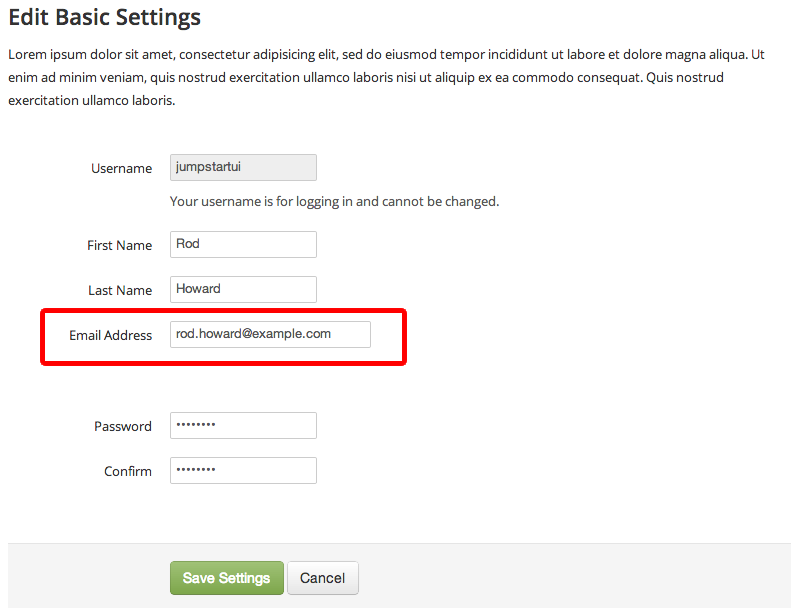
Here you can change your password, confirm it and then press the “Save Changes” button below. This is how you would be able to change the password to your Dekh account.