
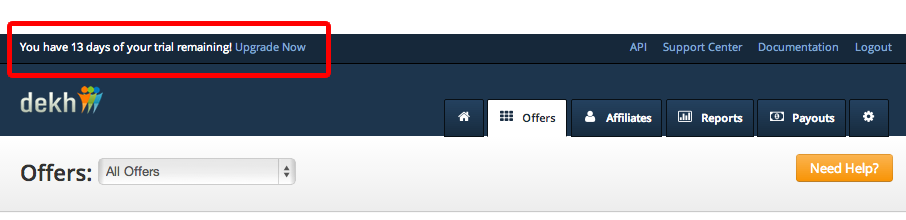
For the Dekh account, once you feel the need to upgrade your account (before or on the 30th day of trial), you can make the payment using your credit card. Once your credit card details are entered, the first month subscription fee of $99 would be deducted. Henceforth, using the same details, your credit card would be charged in payment cycles of 30 days. For the account payment, credit cards are the only options for payment. You can upgrade your account by visiting the link at the top of the dashboard, which says – “You have xx days of your subscription remaining, Upgrade Now”. Once you press “Upgrade Now” you would be led to the payment-processing page, where you would be required to enter your credit card details.
For payout to your affiliates, Dekh helps you create a Pay-Pal mass pay file that can be used by you to process affiliate payouts. To view the same, you need to go to the payouts tab on the top menu. Once you click on “Payouts” you’ll see the screen below –
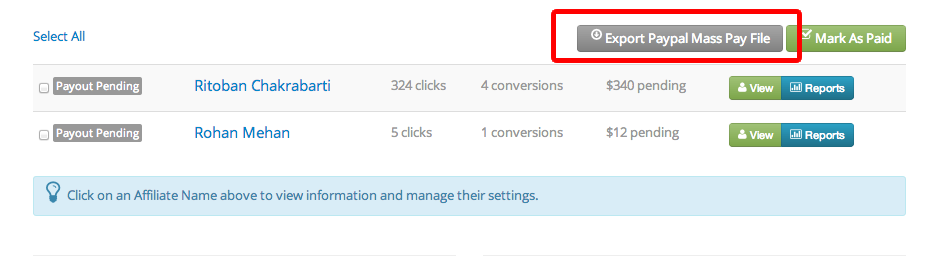
Here you can press the “Export Paypal Mass Pay File” which would provide a CSV file then can be uploaded directly to your Pay-Pal account for mass-pay.