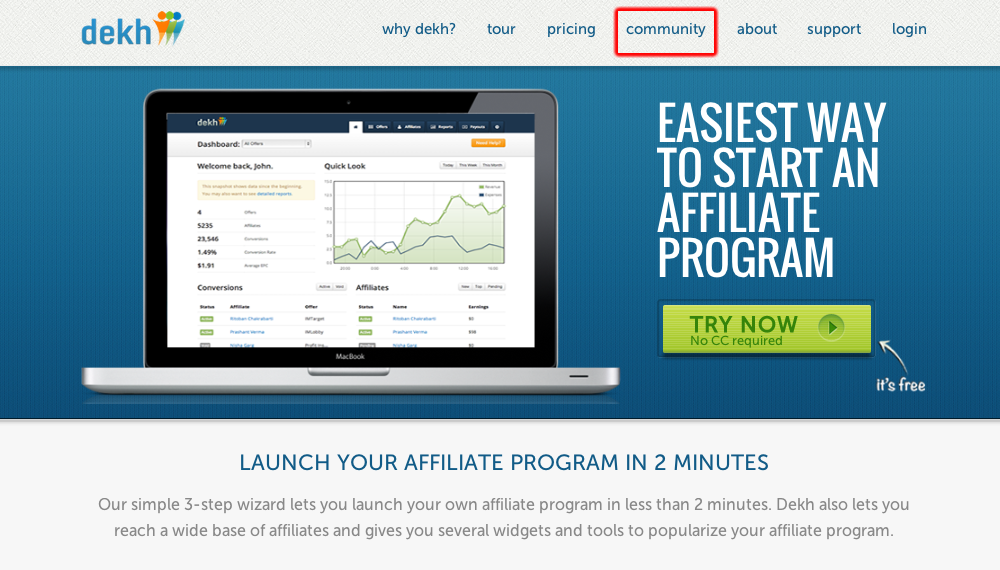
To start a discussion, visit the Dekh Community page from the top menu –
On the Community page browse to the “Hub” tab on the top menu –

Here you would see the link to “Start a Discussion”, as shown below –

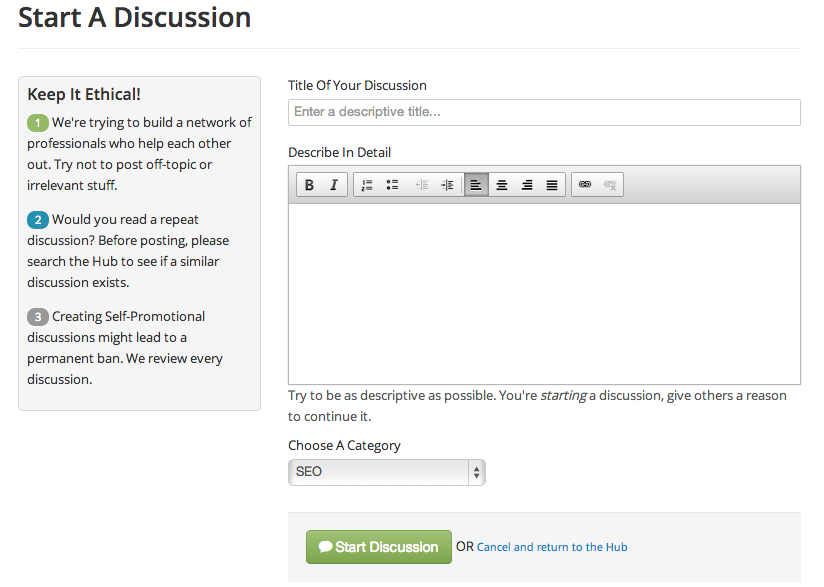
Once you reach this page, you can start a new discussion. Just put in the Title of the discussion, body and the category from the category drop-down. Once you’ve entered the discussion, press the submit button and your discussion would be live. Please take care to keep the content relevant, unique and useful. In case you are found violating any of these, your membership would be compromised.