
Dekh provides a comprehensive, yet a clean system of reporting. You can view the reports by navigating to the “Reports” tab on the top menu –

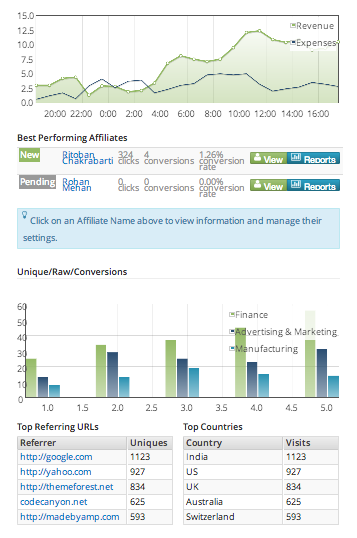
Here you would see a wide variety of reports starting from the Revenue/ Expenses Report. Also, you would view the top performing affiliates for your product, unique and raw clicks, conversions, top referring URLs, top countries for your traffic, etc.
For all these reports you may choose a time period for the reports. This is mentioned at the top of the page. Also, you can view the reports offer-wise or product-wise, as shown below –
