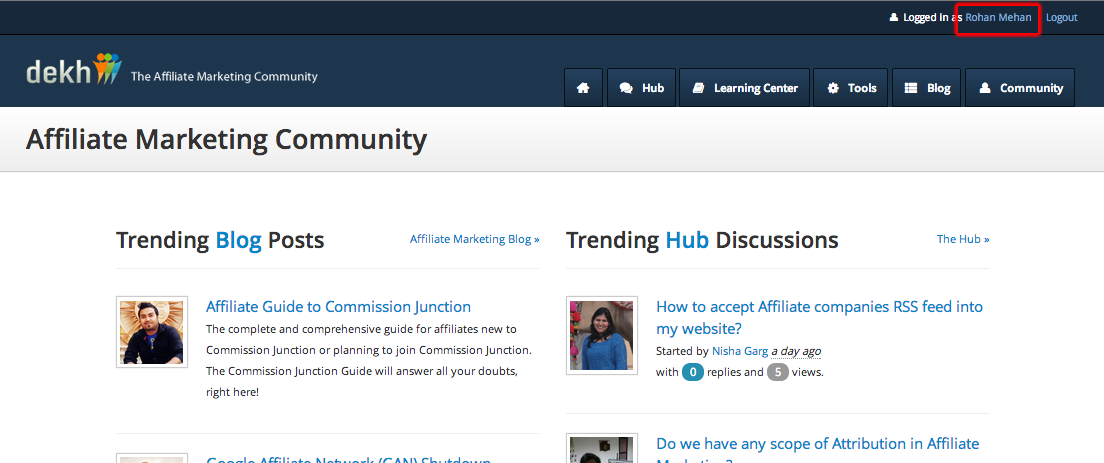
Affiliates can change their password through the community page. Here you need to navigate to your profile, by clicking on your full name ay the top of the page –
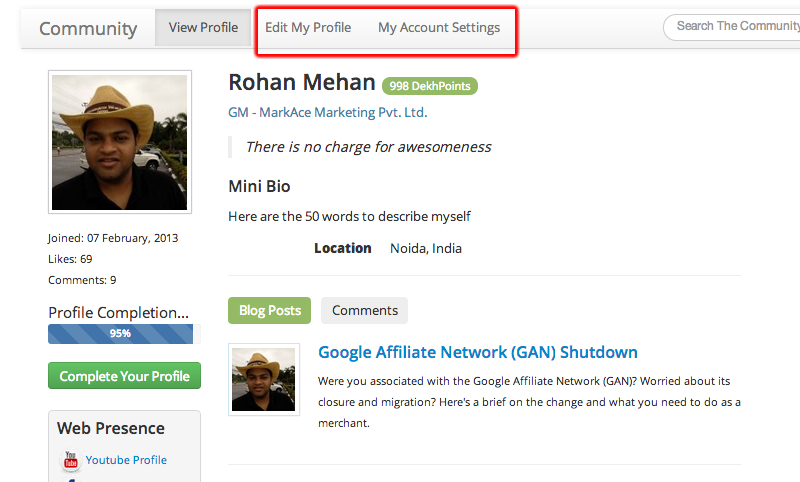
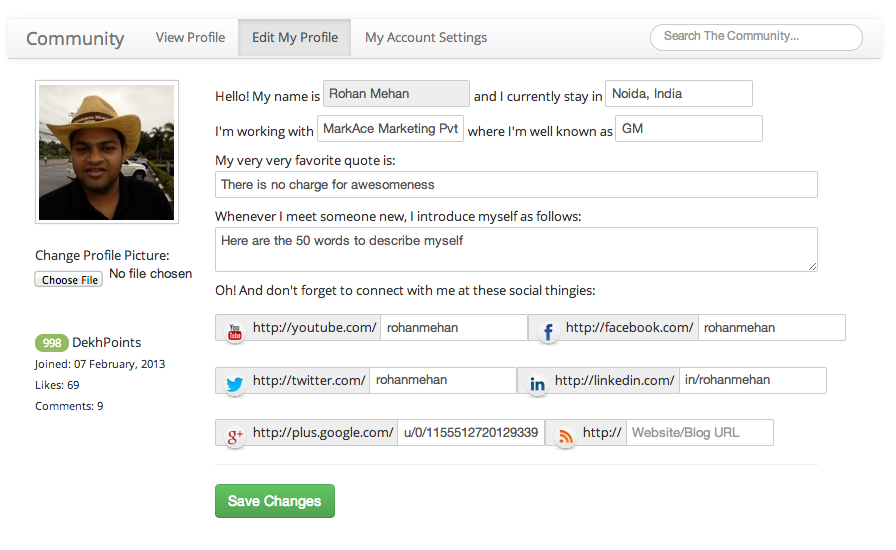
On the Edit Profile Page, you can change your profile information including your profile picture.
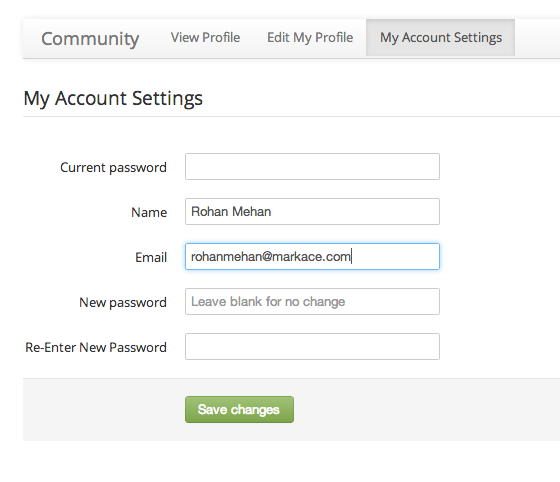
On the Account Settings page you can change your email address, password, etc.